# :icon-tools: Troubleshooting
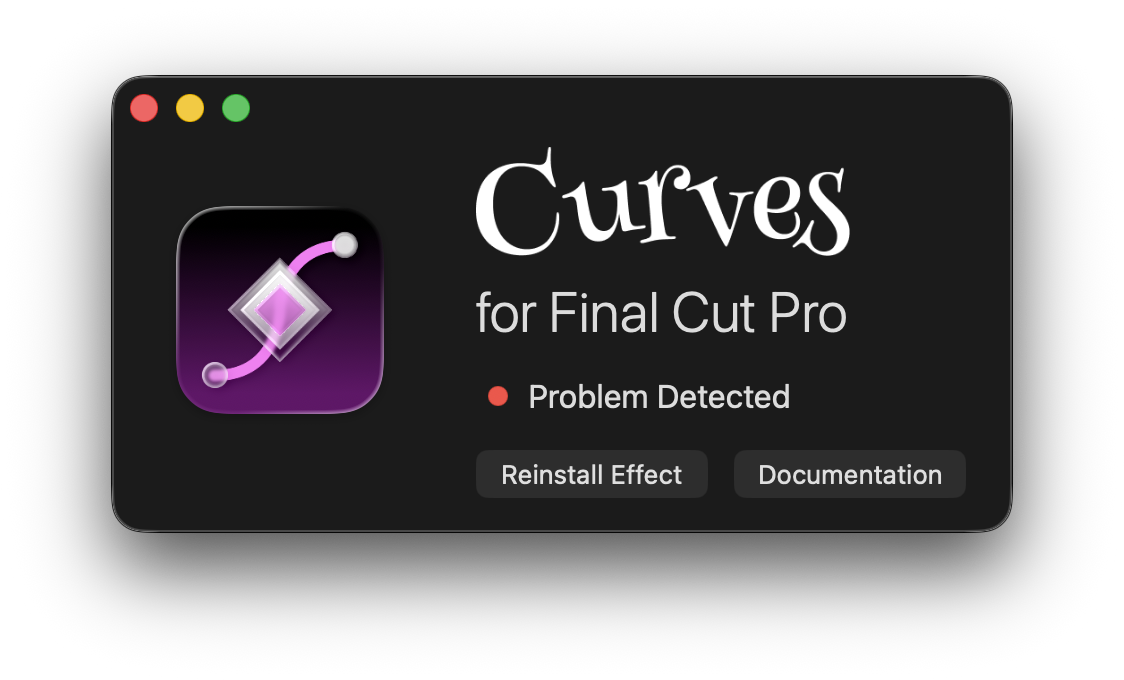
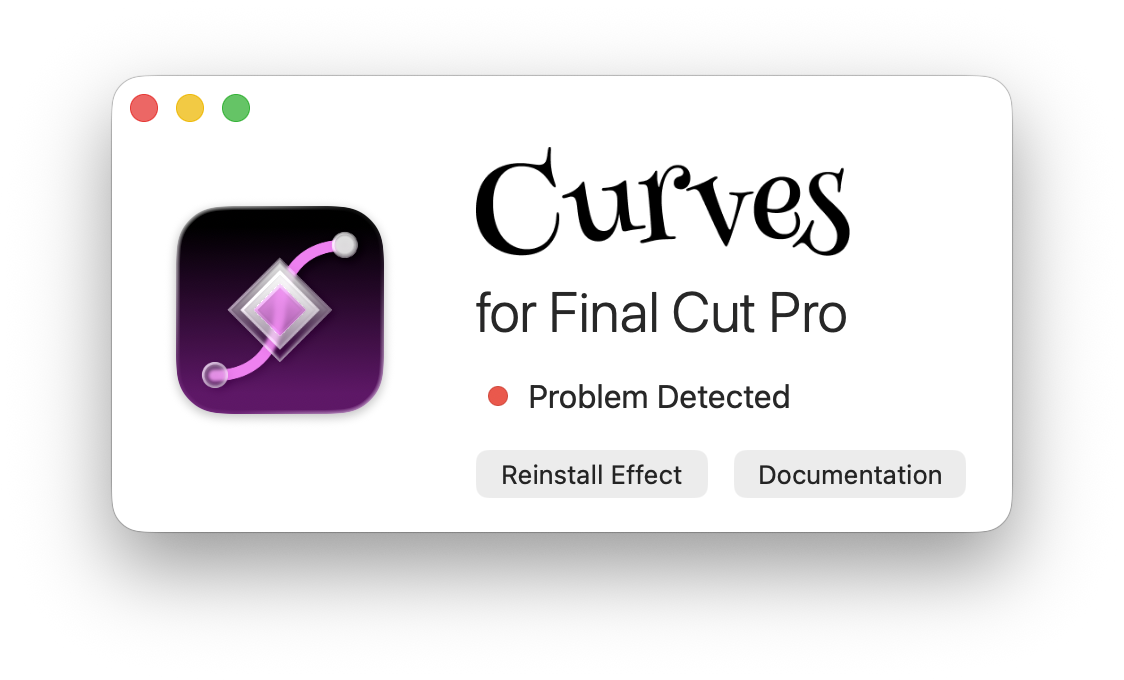
If you see a "Problem Detected" message in the Curves app, that means it wasn't
able to install the Curves Motion Template to your Movies folder. This file is
required for Final Cut Pro to detect the Curves plugin.
 Here are a few things to check:
1. Try using "Reinstall Effect" to reinstall Curves. Make sure you are
installing into your `Movies` folder.
1. Make sure your `Movies` folder exists and you have permission to write to it.
2. Ensure you don't already have an effect named `Curves` installed.
3. If you do have another effect named `Curves`, see "Advanced Users" below for
instructions on how to manually install the Curves template using a different name.
If it still doesn't work, see [Support](/help/support) for how to get help.
## Advanced Users
An error message means Curves tried to install a template into:
```
~/Movies/Motion Templates.localized/Effects.localized/Curves/Curves
```
but wasn't able to. You can download the Curves Effect Template for manual
installation here. Note that this template won't work without the Curves app
installed.
[!button text="Download Effect Template"](/static/effects/Effect-1.2.zip)
You can try manually installing this template using your preferred Motion
Template installation method. You can rename the Curves template to whatever
you want, just make sure to save it as an effect (and not a title, transition,
or generator).
You can also download older versions of the effect template here:
{.compact}
|Effect Templates|
|---|
|[Version 1.2](/static/effects/Effect-1.2.zip)|
|[Version 1.1.2](/static/effects/Effect-1.1.2.zip)|
|[Version 1.1.1](/static/effects/Effect-1.1.1.zip)|
|[Version 1.1](/static/effects/Effect-1.1.zip)|
|[Version 1.0](/static/effects/Effect-1.0.zip)|
### Recreating the Effect Template
If you have Motion, you can even create the Curves template yourself from
scratch. In Motion, just add the `Curves` filter (from the `Curves` group) to
an effect source layer and publish every parameter.
Here are a few things to check:
1. Try using "Reinstall Effect" to reinstall Curves. Make sure you are
installing into your `Movies` folder.
1. Make sure your `Movies` folder exists and you have permission to write to it.
2. Ensure you don't already have an effect named `Curves` installed.
3. If you do have another effect named `Curves`, see "Advanced Users" below for
instructions on how to manually install the Curves template using a different name.
If it still doesn't work, see [Support](/help/support) for how to get help.
## Advanced Users
An error message means Curves tried to install a template into:
```
~/Movies/Motion Templates.localized/Effects.localized/Curves/Curves
```
but wasn't able to. You can download the Curves Effect Template for manual
installation here. Note that this template won't work without the Curves app
installed.
[!button text="Download Effect Template"](/static/effects/Effect-1.2.zip)
You can try manually installing this template using your preferred Motion
Template installation method. You can rename the Curves template to whatever
you want, just make sure to save it as an effect (and not a title, transition,
or generator).
You can also download older versions of the effect template here:
{.compact}
|Effect Templates|
|---|
|[Version 1.2](/static/effects/Effect-1.2.zip)|
|[Version 1.1.2](/static/effects/Effect-1.1.2.zip)|
|[Version 1.1.1](/static/effects/Effect-1.1.1.zip)|
|[Version 1.1](/static/effects/Effect-1.1.zip)|
|[Version 1.0](/static/effects/Effect-1.0.zip)|
### Recreating the Effect Template
If you have Motion, you can even create the Curves template yourself from
scratch. In Motion, just add the `Curves` filter (from the `Curves` group) to
an effect source layer and publish every parameter.