Installation
If you're installing an update to Curves, see Updating.
Once purchased, the Curves for Final Cut plugin comes with lifetime updates from the App Store. No subscription costs, no in-app purchases, and no upgrade fees.
You should see this window indicating the effect is not yet installed:
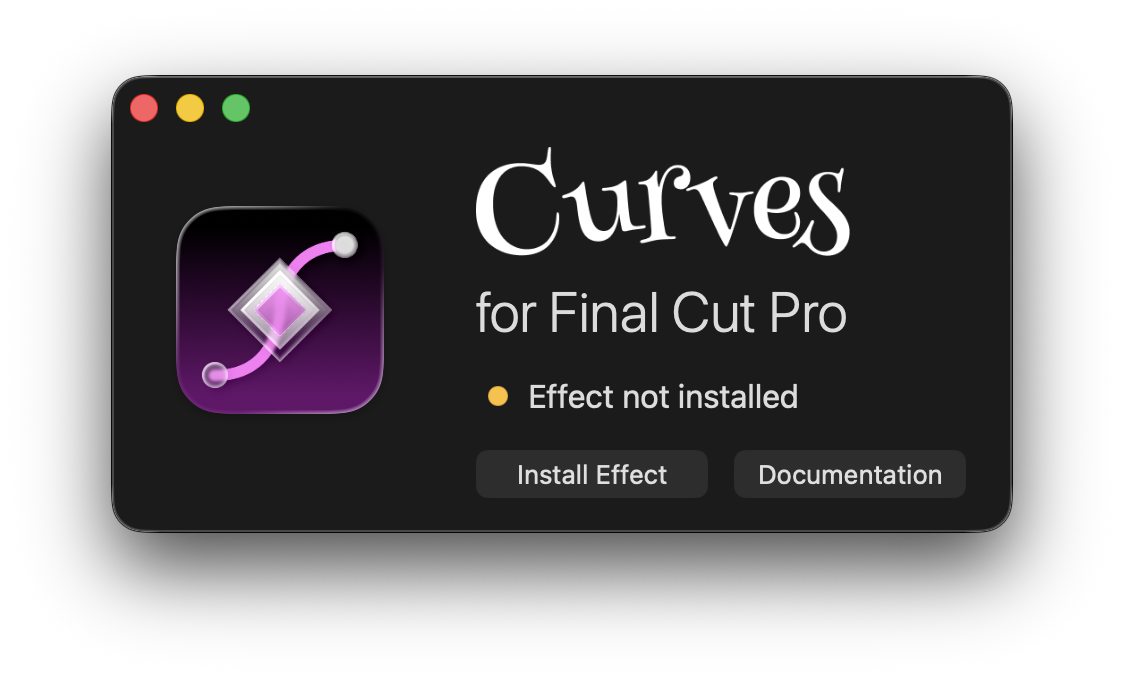
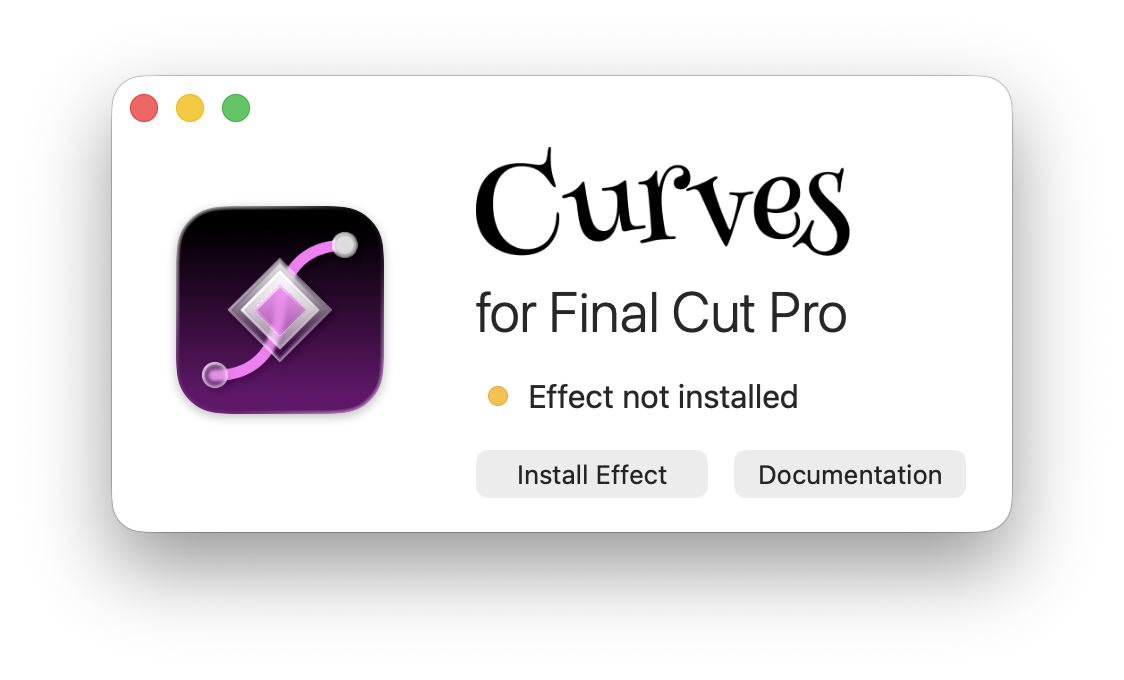
Click on "Install Effect" to install the Curves effect into Final Cut Pro.
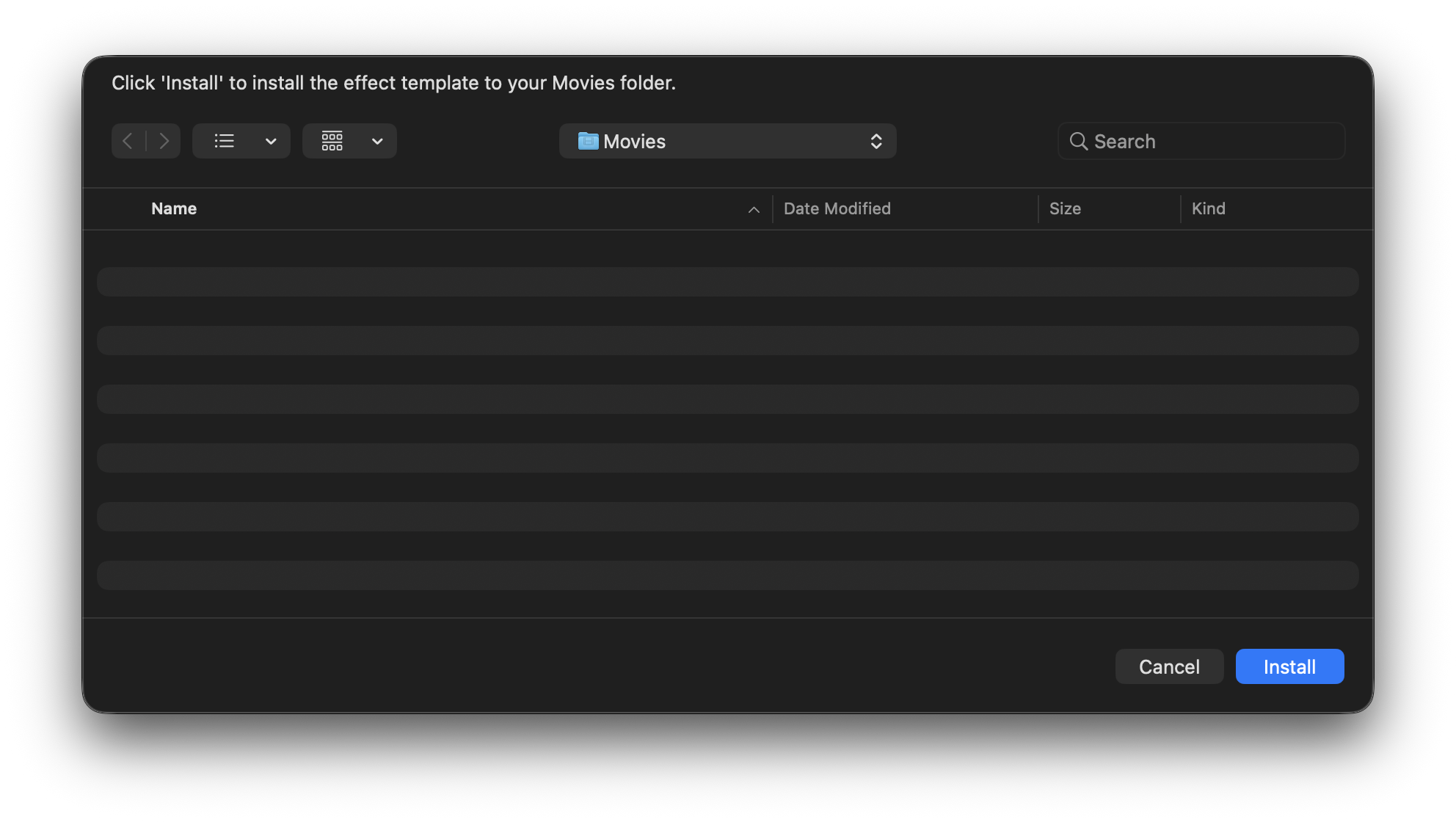
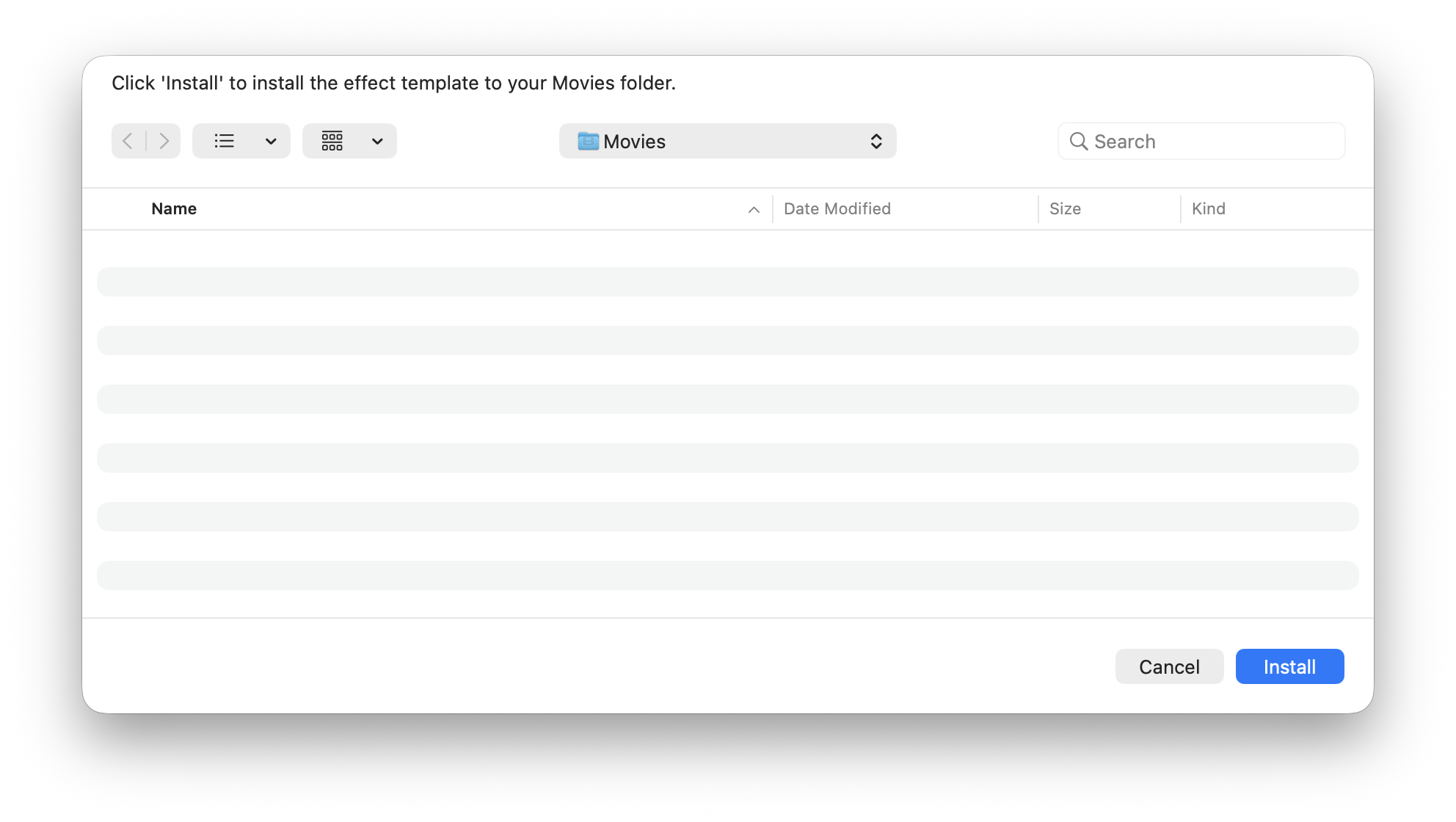
Click "Install" to install the effect template into your Movies directory.
Final Cut Pro effects must be installed into your Movies directory, so make
sure Movies is selected before clicking "Install". Movies will be already
selected by default.
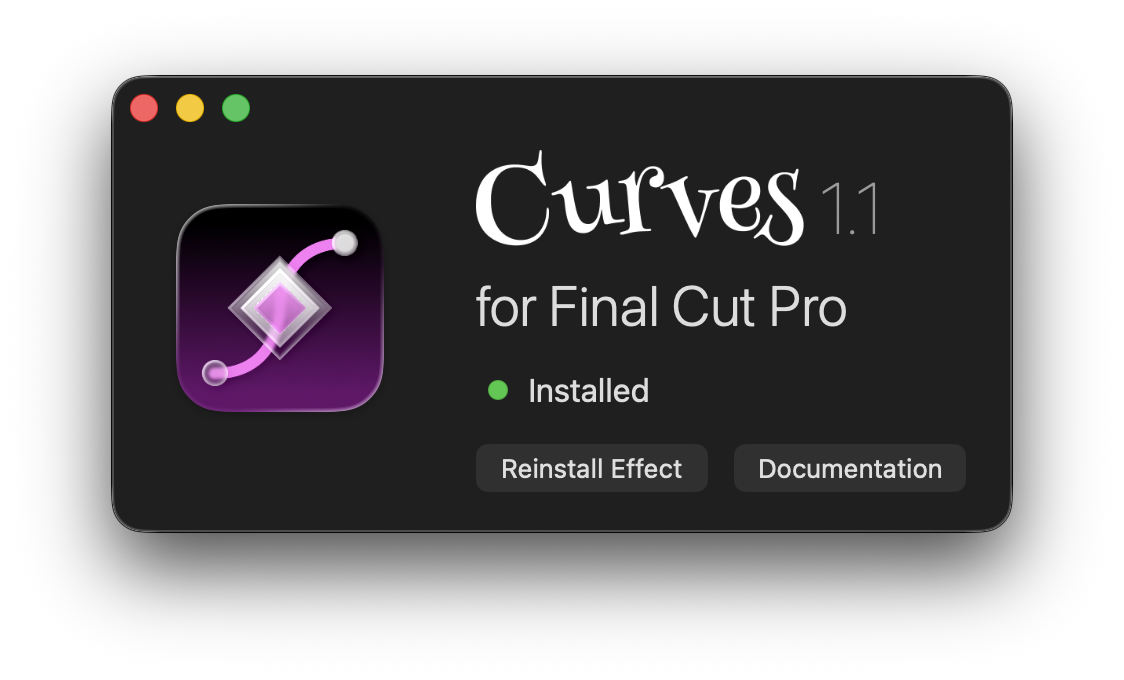
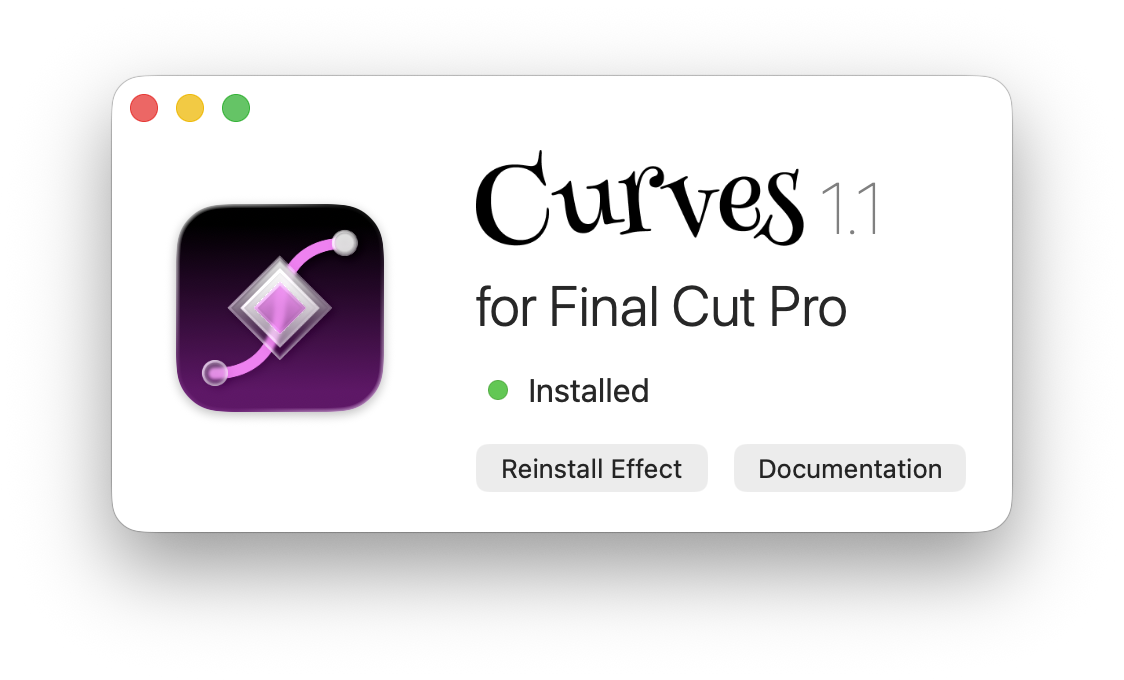
If all went well, you should see a green light next to the word "Installed".
You can now quit the Curves app. You won't need to open it until the next time you update Curves. Don't delete the Curves app though because it's required for the plugin to work in Final Cut. For help with installing updates, see Updating.
If you see an error or a "Problem Detected" message, see Troubleshooting.
Restarting Final Cut allows it to detect the Curves plugin.
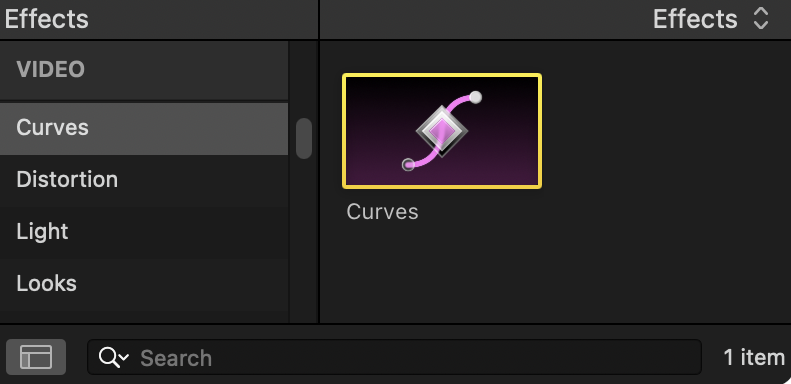
Curves will now appear as an effect inside of Final Cut Pro:
If your clip is smaller than the project screen size, you'll need to turn it into a Compound Clip before applying Curves. See Getting Started for more info.