

#
Updating
Whenever a Curves update is released, there are a few things to do in order to have it recognized in Final Cut Pro.
Curves updates are distributed from the Mac App store.
Updates are designed to be backwards compatible, but you may want to back up a copy of your current Curves app just to be safe. See Back up Final Cut Pro for instructions on how to back up an app.
You should see an "Effect out of date" message:
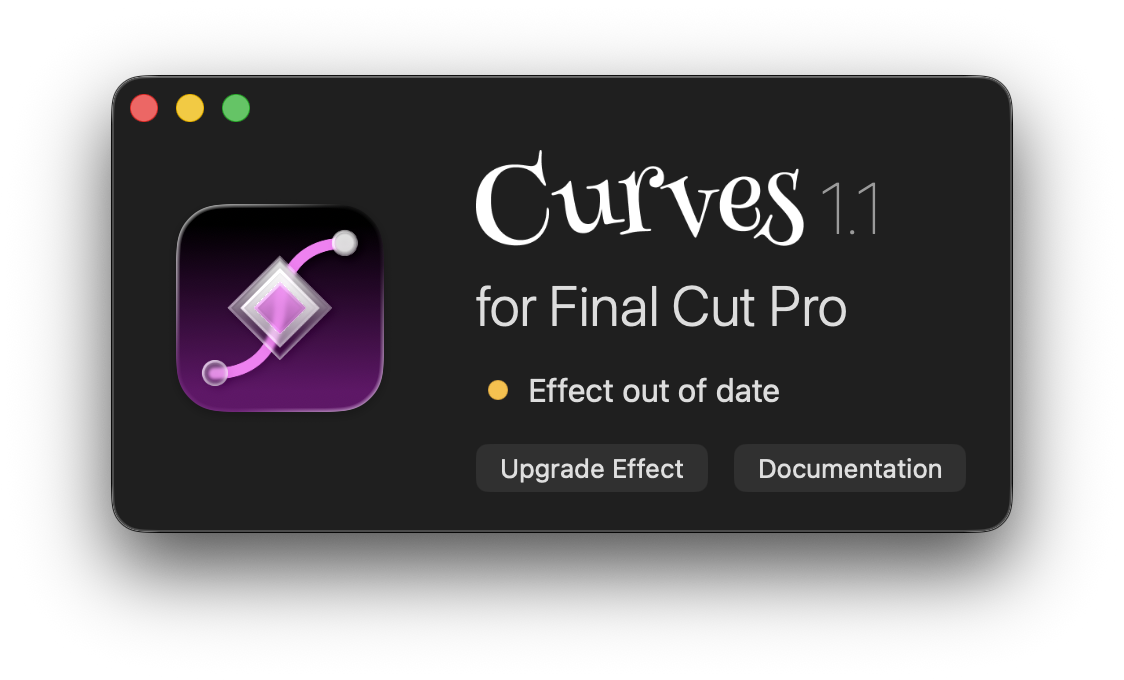
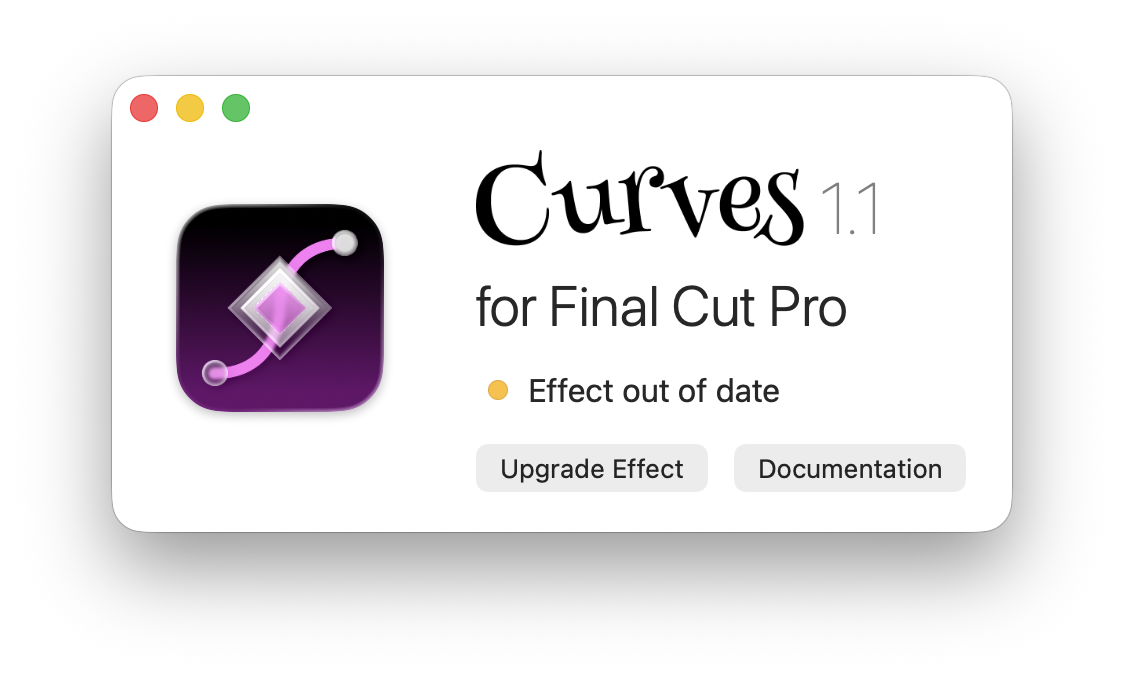
Click "Upgrade Effect" to update the Curves effect template.
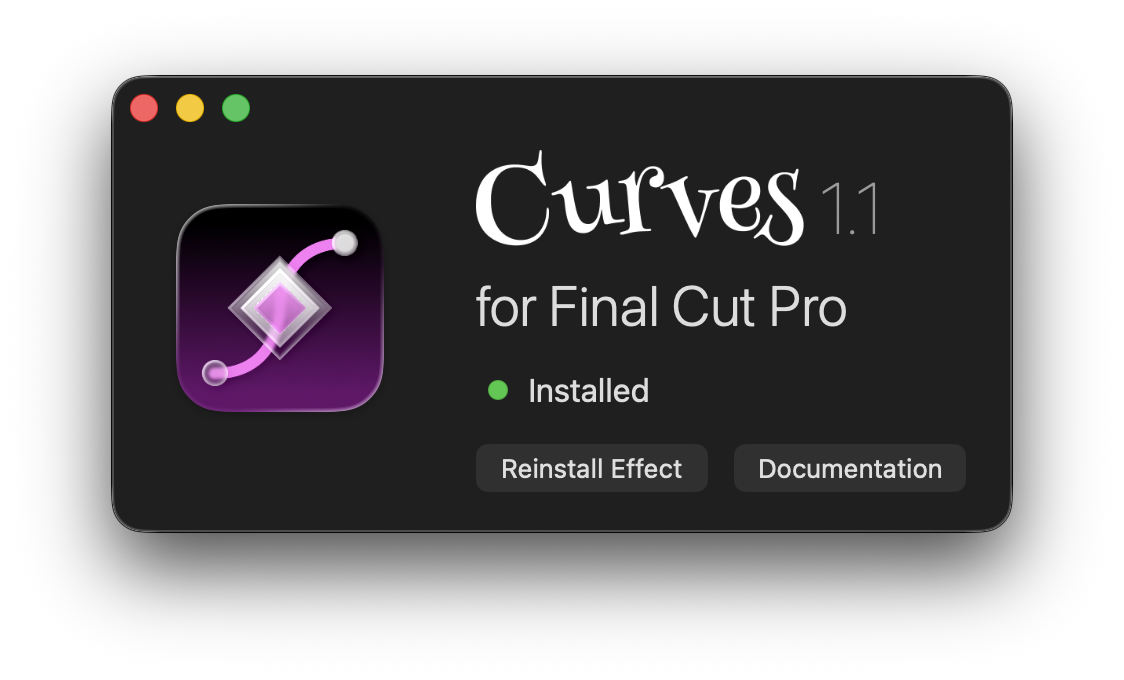
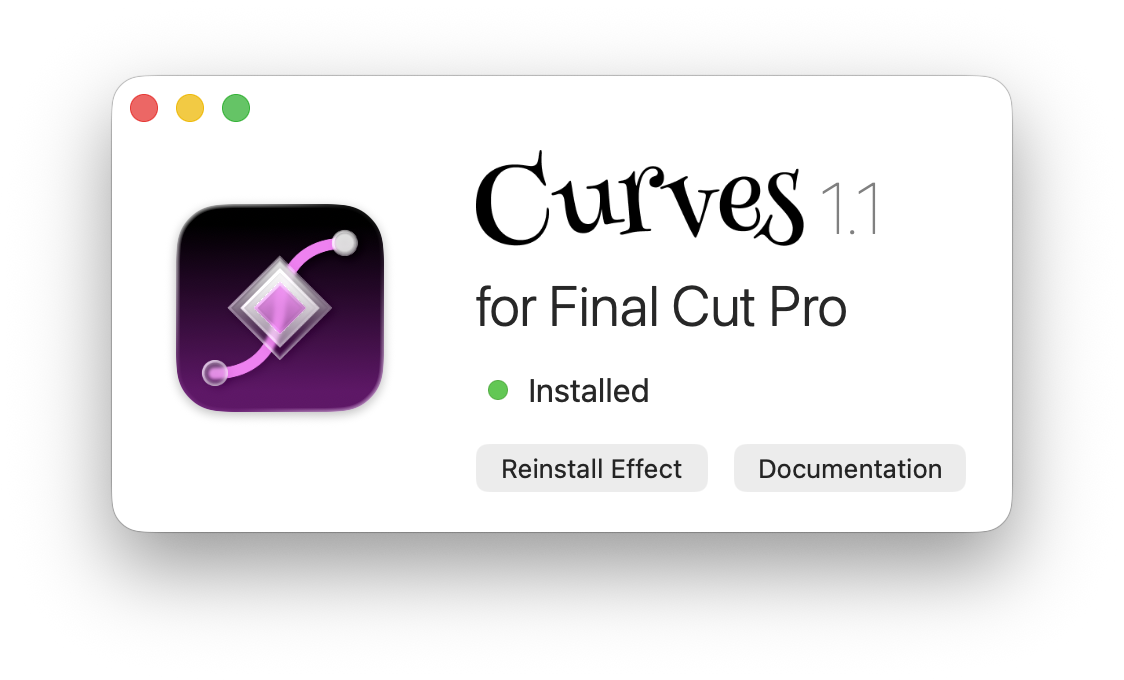
Once the effect files are updated, you can quit the Curves app.
Restarting Final Cut allows it to detect the changes to Curves.
You should now see all the new features on clips you've already applied Curves to, as well as any clips you add Curves to in the future.
If you encounter any issues during the update process, send us a Support email.