

3D Camera
Curves can be used to create 3D camera movement directly in Final Cut.
Like with zoom/ pan, we apply Curves to an adjustment clip on top of the timeline, rather than the clip itself, to make it easy to add cuts or change clips later on without losing the camera animations.
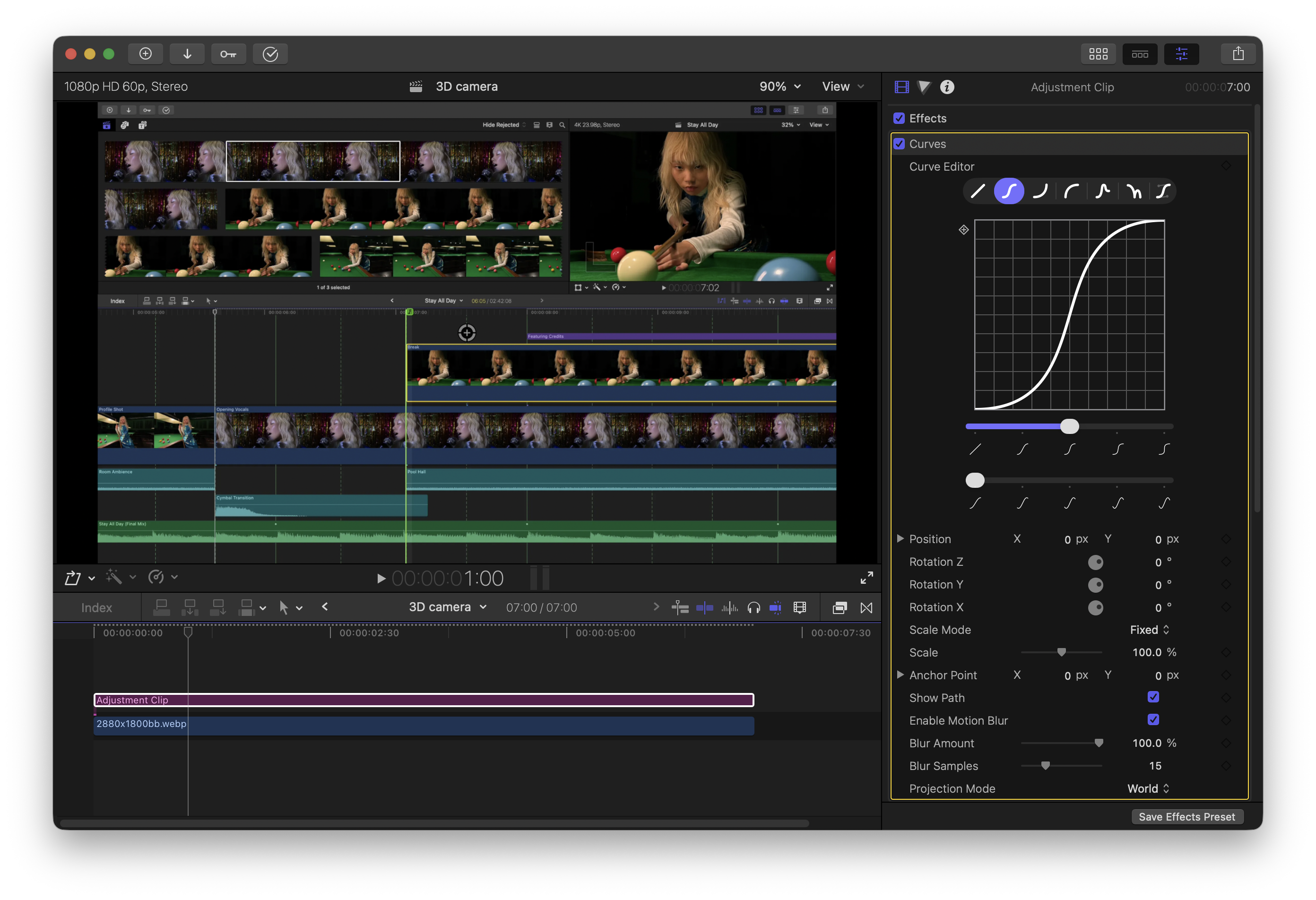
The Projection Mode parameter controls how a clip is drawn as it moves around
in 3D space. Since we want to pan around the clip in the 3D world (the camera
moves in 3D space), we want World projection.
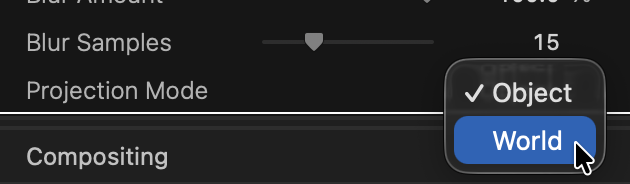
For more about projection modes, see Moving Objects.
Rotation Y controls yaw and Rotation X controls pitch. Adjust Rotation X and Y, Position, and Scale to set an initial position in 3D space.
You may have to play around with it a little bit to get the exact effect you're going for.
Move the timeline forward, set a new 3D orientation (position, rotation, and scale), and you've created a 3D camera animation!
Change the curve shape or amount of easing to get different effects.